
Set it down.
Pick it up later.
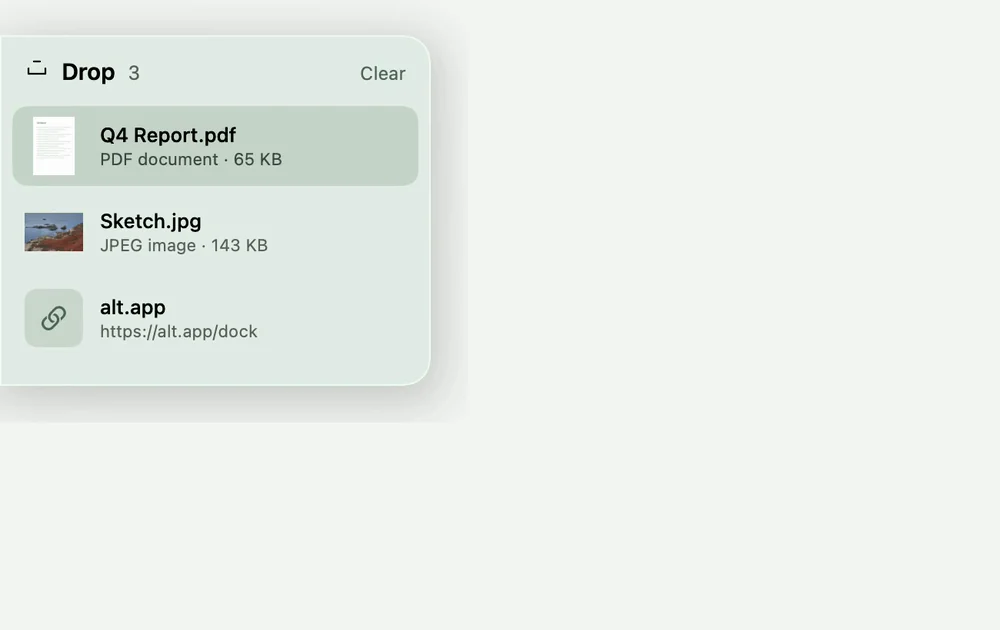
A temporary shelf for the things you’re moving between apps. Files, pictures, text and links stay close while you find their next home.
Drop / How it works
Between here
and there.
A spare hand for the things you’re carrying.
- Drag something toward the edge.
- The shelf opens to catch it.
- Let go. It waits there until you need it.
A few useful details.
Small decisions that make Drop feel easy to live with.
More than files
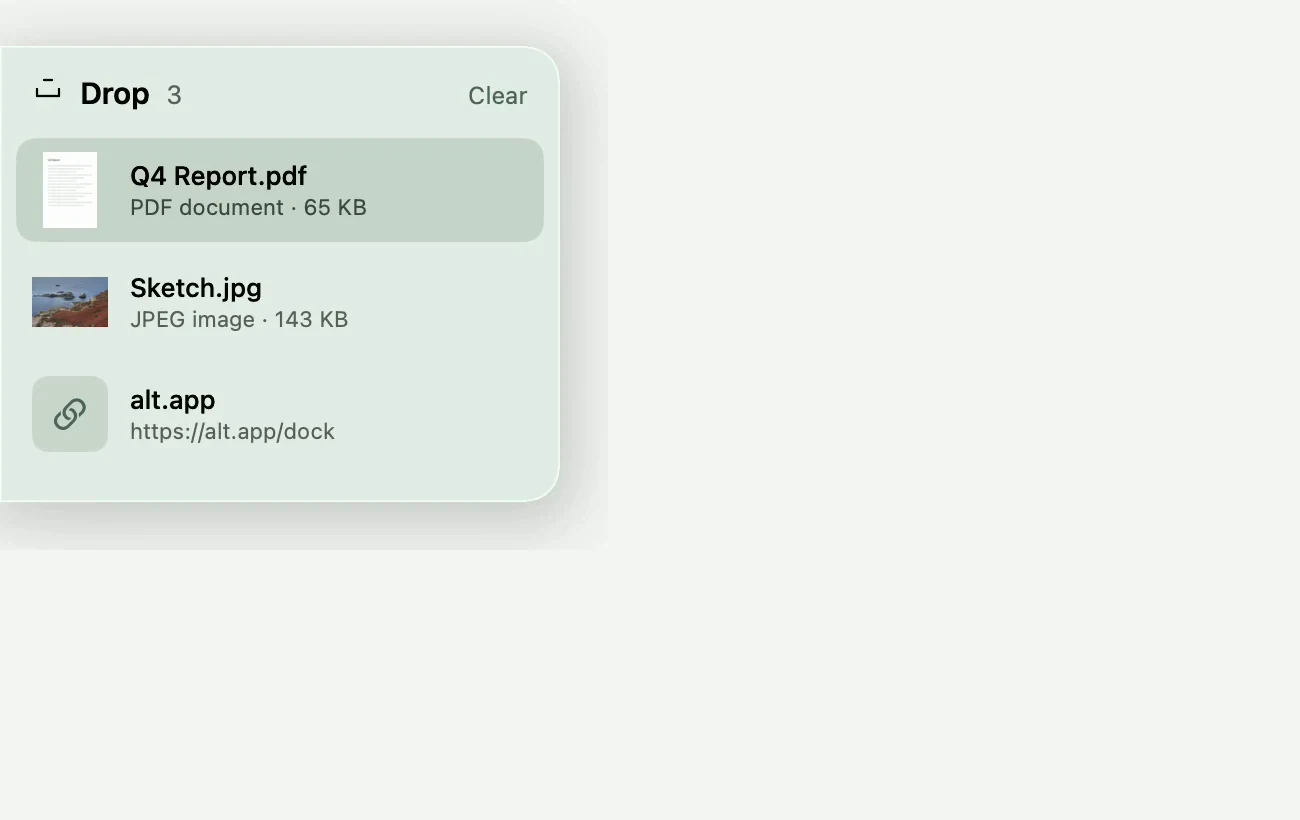
Drop a document, a picture, a selection of text or a link onto the shelf. Double-click an item to open it.
Your files stay where they are
The shelf remembers existing files by reference. Loose images and text are stored locally so you can pick them up again.
A shelf that clears itself
Keep items for a day, a week or indefinitely. Removing a file from the shelf does not delete its original.
Getting started.
No special permissions. Open Drop and drag something toward the edge of your screen.
Made for Apple silicon Macs running macOS 15 or later.
Does Drop move my original files?
No. Adding an existing file to the shelf keeps a reference to it. What happens when you drop it into another app depends on that destination.
How do I get something back?
Point at the edge and drag an item out. You can also double-click to open it, or right-click for Copy, Show in Finder and Remove.
Can I keep items longer?
Yes. Right-click the shelf to choose a day, a week or no automatic expiry.


The little family.
Dock, Drop, Awake, Convert and Sort in one download.
Five separate apps. Use the ones you want.