Windows,
put away.
A place for the windows you’re not using. Put them on the edge of your screen, then bring them back exactly where they were.
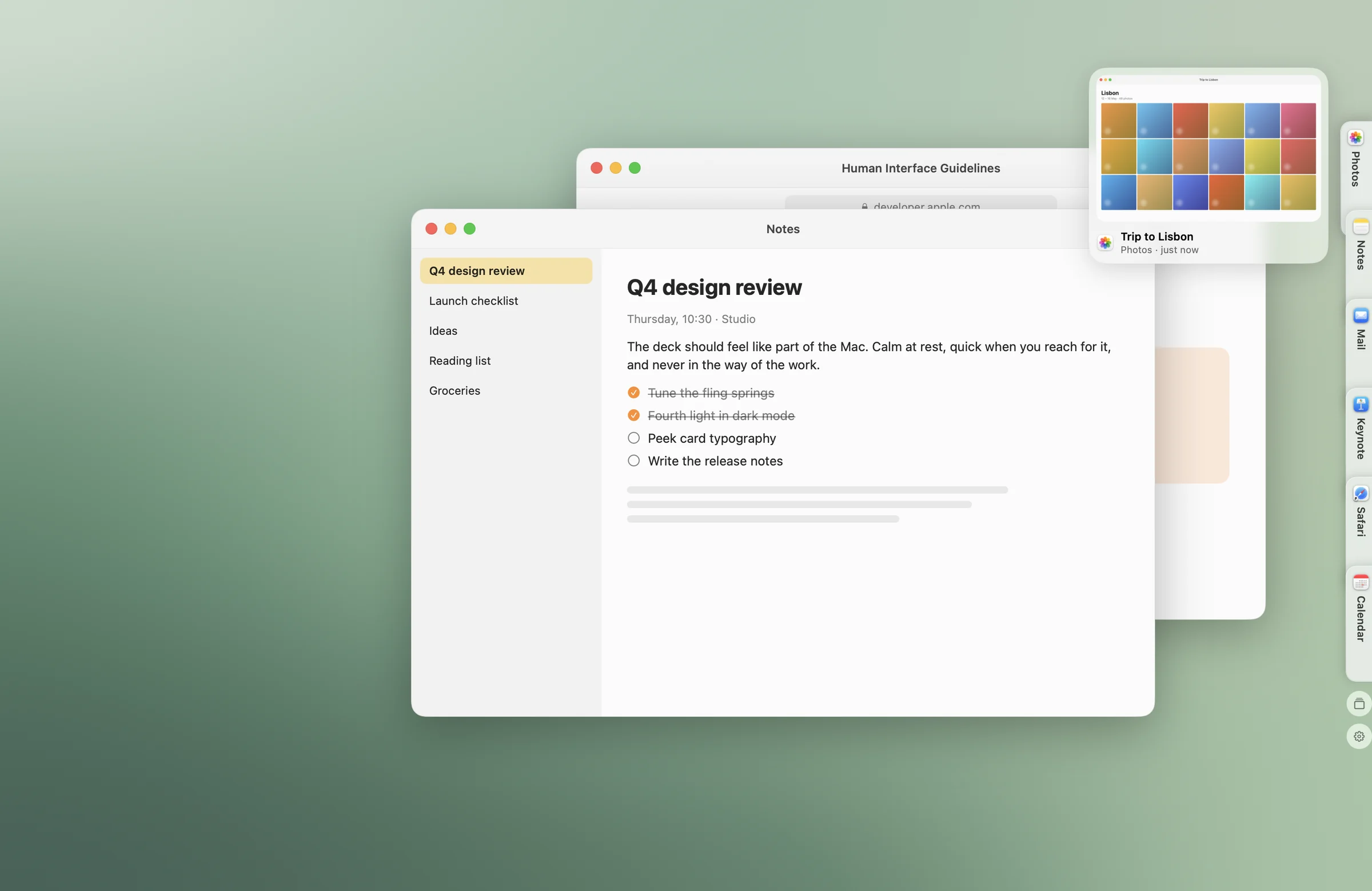
Dock / Fling
A place at the edge.
The window follows your gesture into a tab, ready for later.
- Drag a window toward the edge.
- A space opens in the deck.
- Let go. The window is put away.
Dock / Fourth light
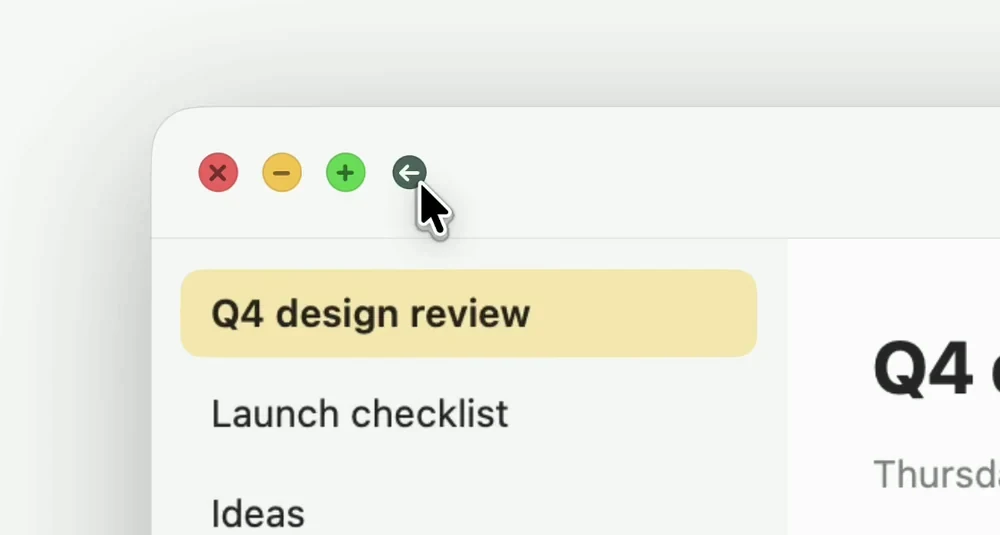
One more button.
A fourth light sits beside the familiar window controls.
- Point at the window buttons.
- The fourth light appears.
- Click to put the window away.
Or use the keyboard
Three keys.
A little more space.
Put away the front window. Add Shift to bring back the last one.
Dock / The deck
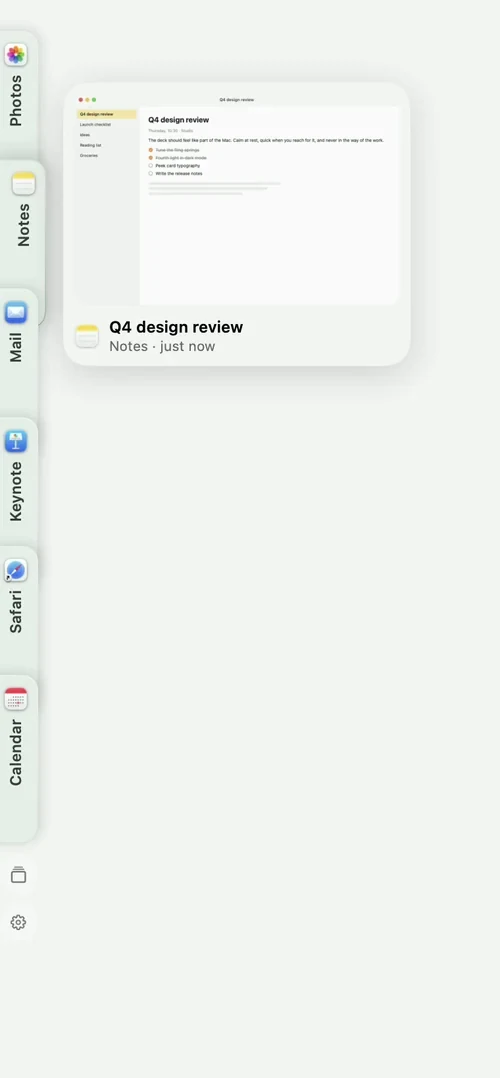
Every window.
One tab.
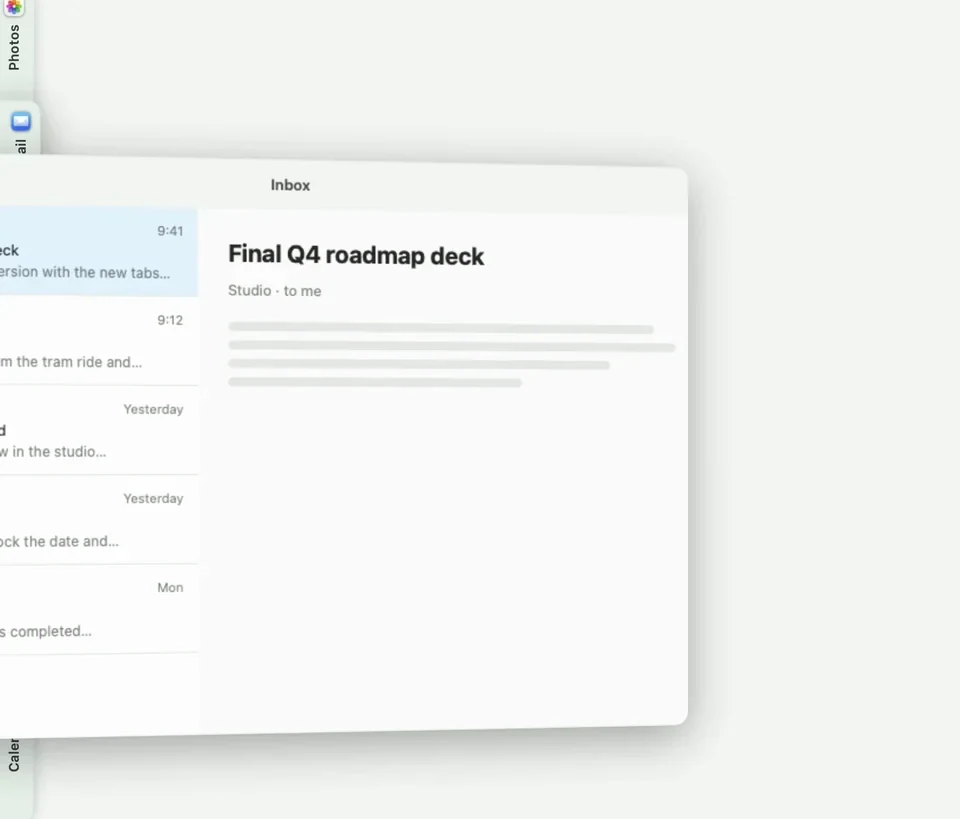
Keep the windows you need within reach, without keeping them in the way.
- Your windows wait at the edge.
- Point there to fan them out.
- Hover a tab for its preview.
- Move away and the deck folds back.
A few useful details.
Small decisions that make Dock feel easy to live with.
Three ways to put a window away
Drag its title bar to the edge, click the fourth light beside its window buttons, or press Option–Command–X.
A tab for every window
Point at the edge to fan out your tabs. Hover one for a preview, click to restore it, or drag it out to place the window somewhere new.
Your windows come home
Quitting Dock restores your windows. After an unexpected shutdown, Dock uses its saved positions to recover them the next time it opens.
Getting started.
Accessibility access lets Dock move windows. Screen Recording is optional and enables window previews.
Made for Apple silicon Macs running macOS 15 or later.
Does it replace the macOS Dock?
No. ALT Dock gives parked windows their own place at the screen edge. The macOS Dock continues to work as usual.
Can I choose the edge?
Yes. Choose the left or right edge in Settings. The shelf lives on your main display.
Does it work with every window?
Standard app windows work best. Full-screen windows, dialogs and minimized windows are excluded. Apps with custom title bars may not show the fourth light; dragging to the edge and the keyboard shortcut are still available.
One little suite.
Dock, Drop, Awake, Convert and Sort in one download.
Five separate apps. Use the ones you want.


